Try Our Outlook Add-in Tool
Blueberry’s AI Outlook add-in works with Open AI’s ChatGPT and allows you to experiment with using different prompts to manage and process your emails.
Test Your Prompt Engineering Skills!
Features
Simple Setup
Simply copy the Manifest URL into your custom add-in link in Outlook and enter your ChatGPT API key - and you're ready to go!
Custom Prompts
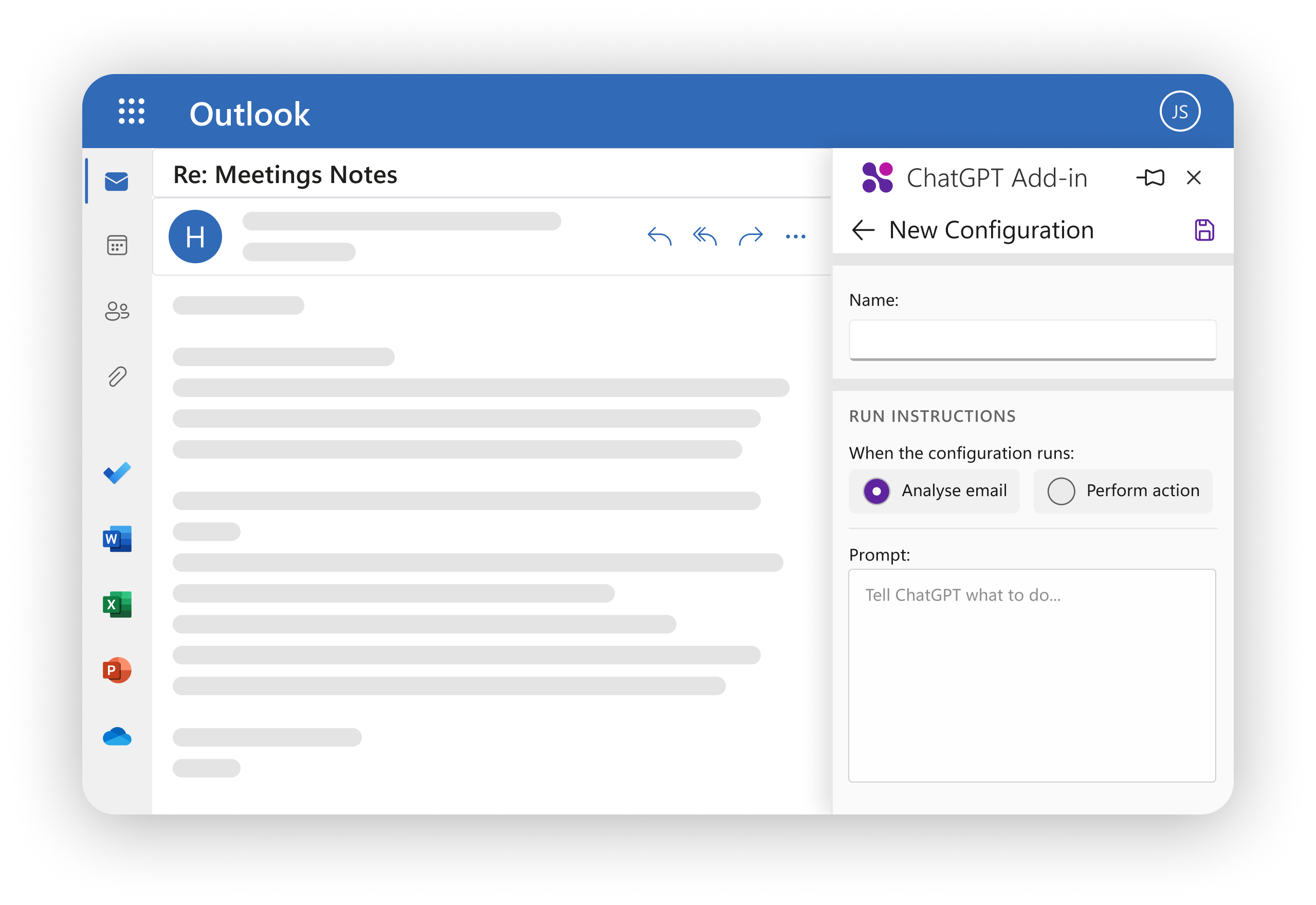
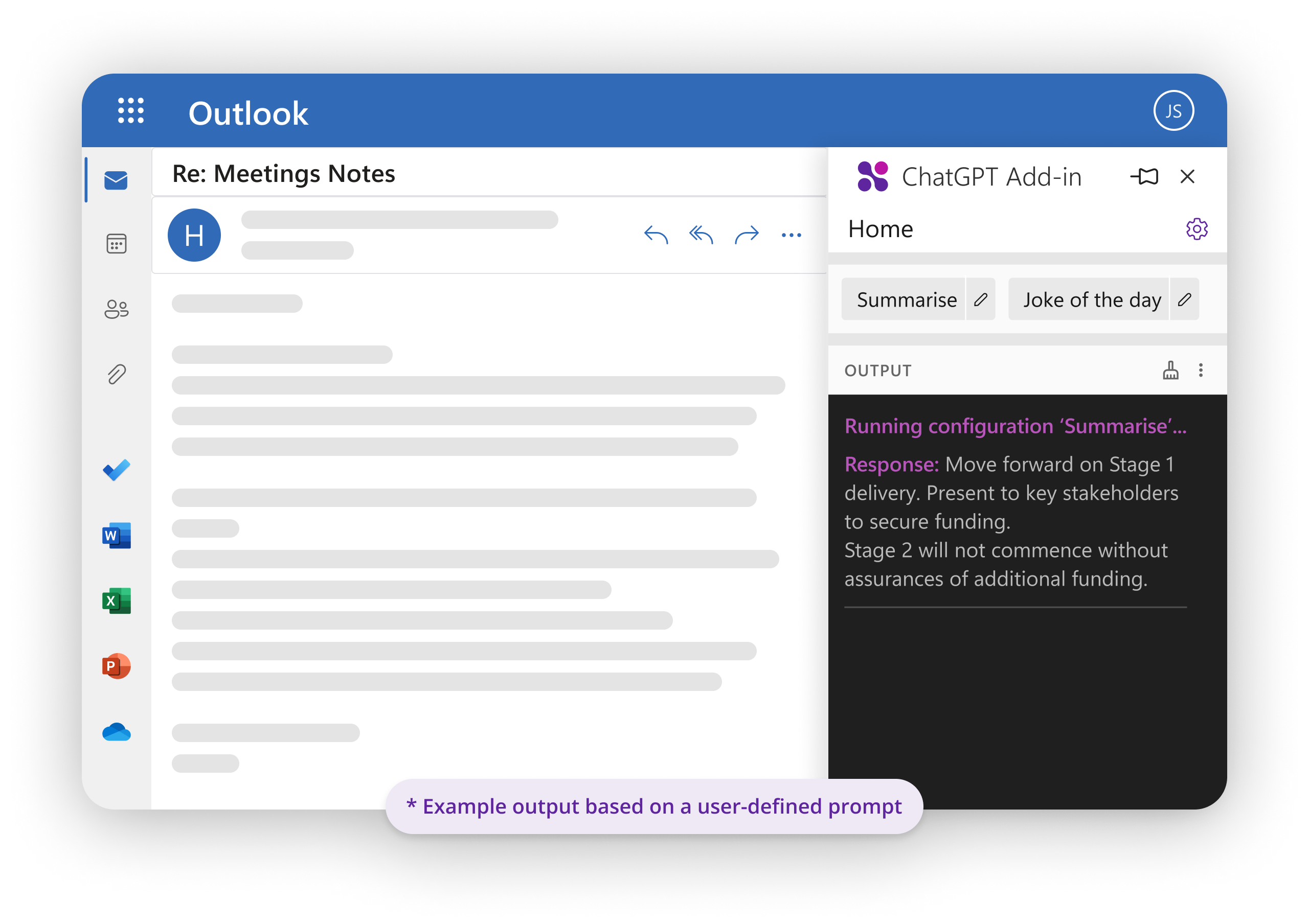
Install custom prompts to guide ChatGPT LLM in generating relevant summaries or highlights based on your needs.
Relevant Information
Choose to process the entire email or only specific sections (e.g., filtering by body, subject, or attachments) to focus on the most relevant information.
Separate Window
Display the output in a separate window or replace the original email body for easy comparison and quick identification of important information.
Flag Priorities
Automatically update the email's importance based on the generated output (e.g., flagging as high priority or marking as important).
Multiple Configurations
Manage multiple configurations for different types of emails or scenarios, with its own set of conditions, prompts, and display preferences.
Free version
With the overwhelming number of emails that flood our inboxes every day, managing and processing them efficiently can be a daunting task. Our solution was to create an add-in that works with ChatGPT and take the pain out of email – using your own custom prompts to manage and process your emails.
So, why are we giving it away free? Because we hope you like it enough to ask for a custom version made for your specific needs, to work with your favourite LLM!
- Product no longer available for download